Guide — How to use BobUpAI
Updated 2026
How to master BobUpAI.
A step-by-step guide to running your first analysis, reading the results, and turning insights into AI visibility.
New here? Start with the getting-started guide →
How to use BobUpAI
Master the platform and boost your AI visibility with this comprehensive guide.
Select a Product
Start by defining exactly what you want to track. Enter your product name (e.g., "iX3") and choose the target market.
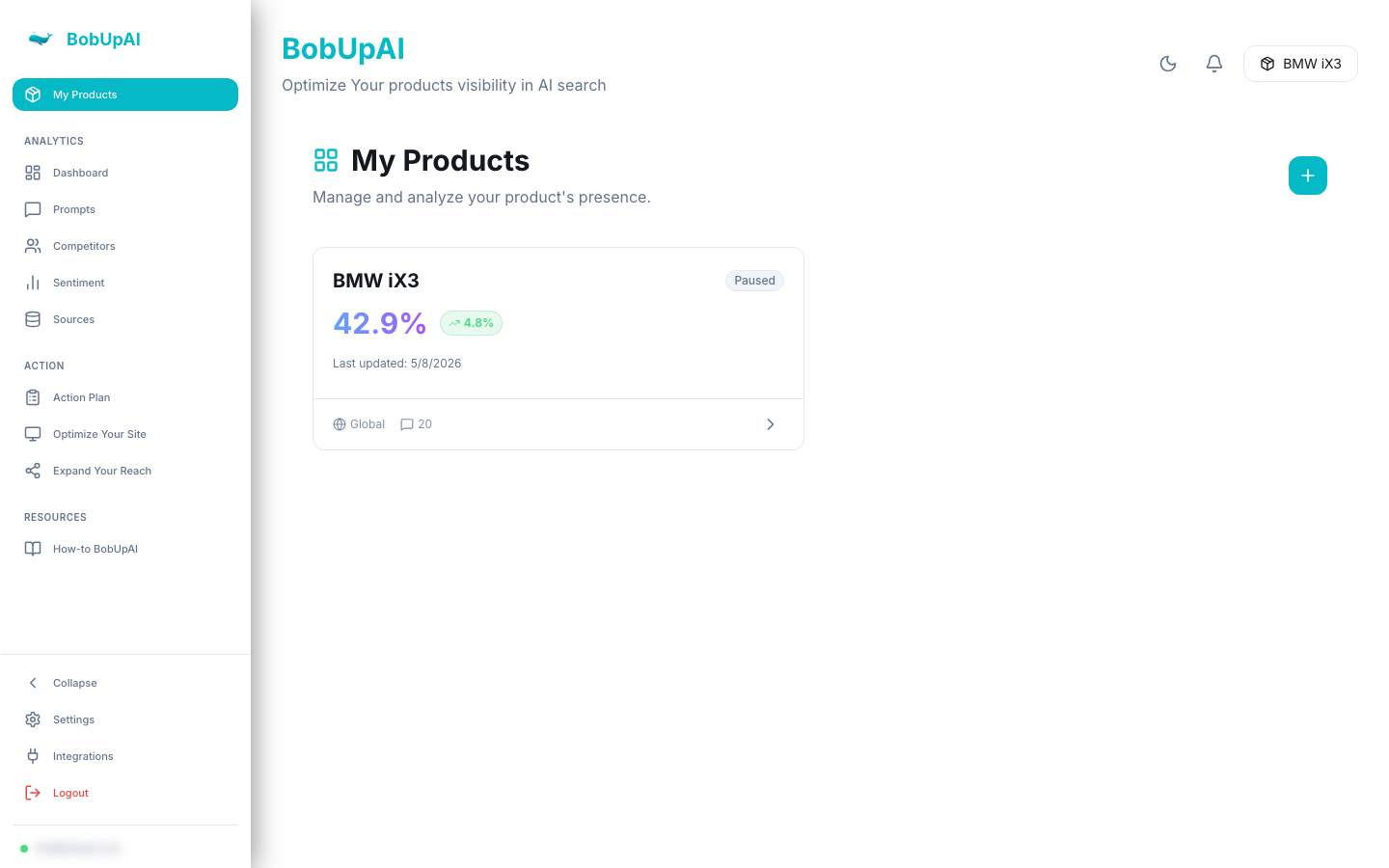
- Product Name: The specific product or brand you want to analyze.
- Country: The geographic location where you want to check visibility (e.g., USA, Germany).
- Models: Select which LLMs you want to query (e.g., ChatGPT, Claude, Gemini).
Understanding Metrics
Visibility Score
This percentage represents how often your product is mentioned in LLM responses for relevant queries.
Sentiment Analysis
We analyze the tone of mentions (Positive, Neutral, Negative) to help you understand how your product is perceived.
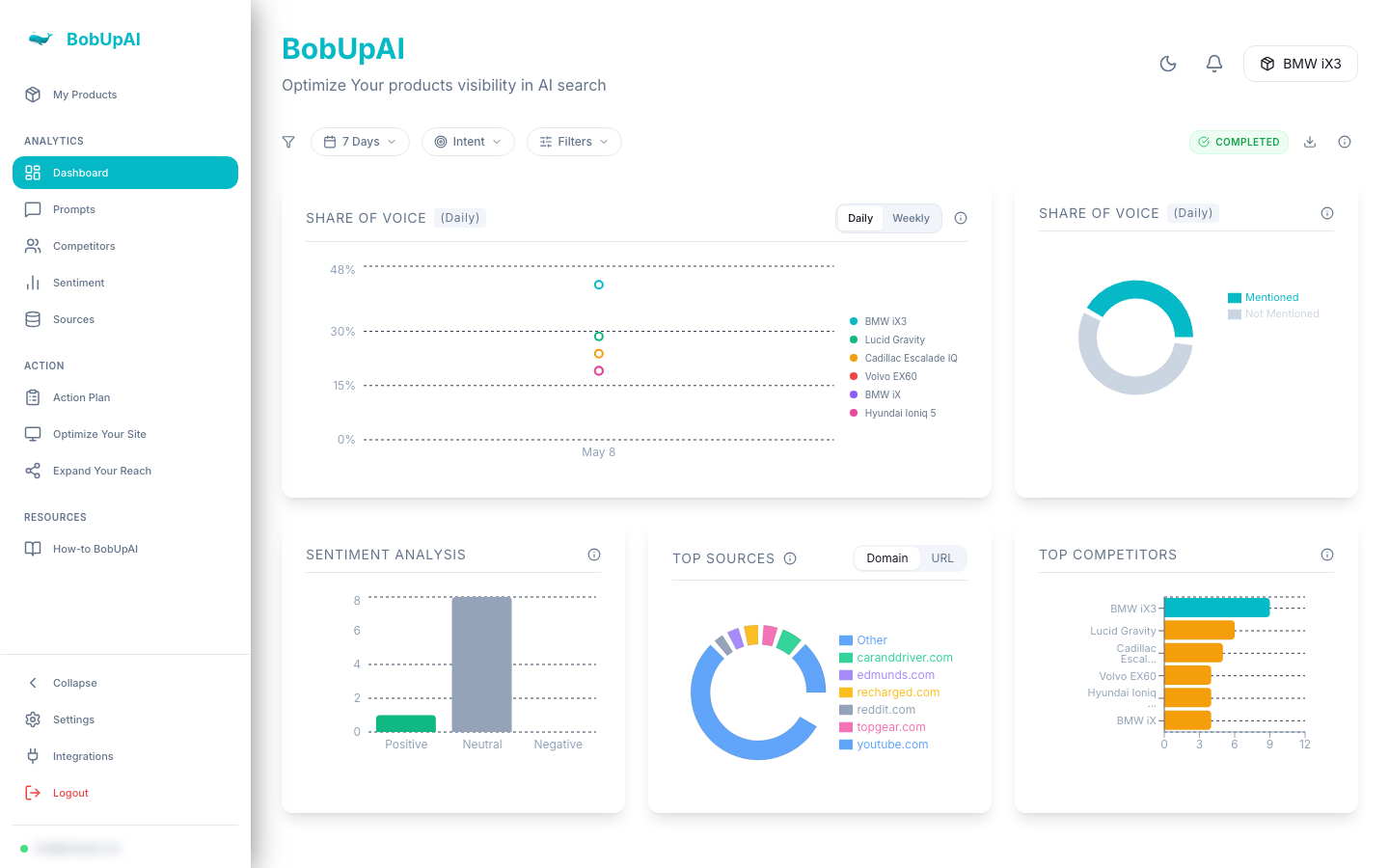
Competitor Share
See which competitors are appearing alongside or instead of you. This helps identify your main rivals in the AI space.
Generating an Action Plan
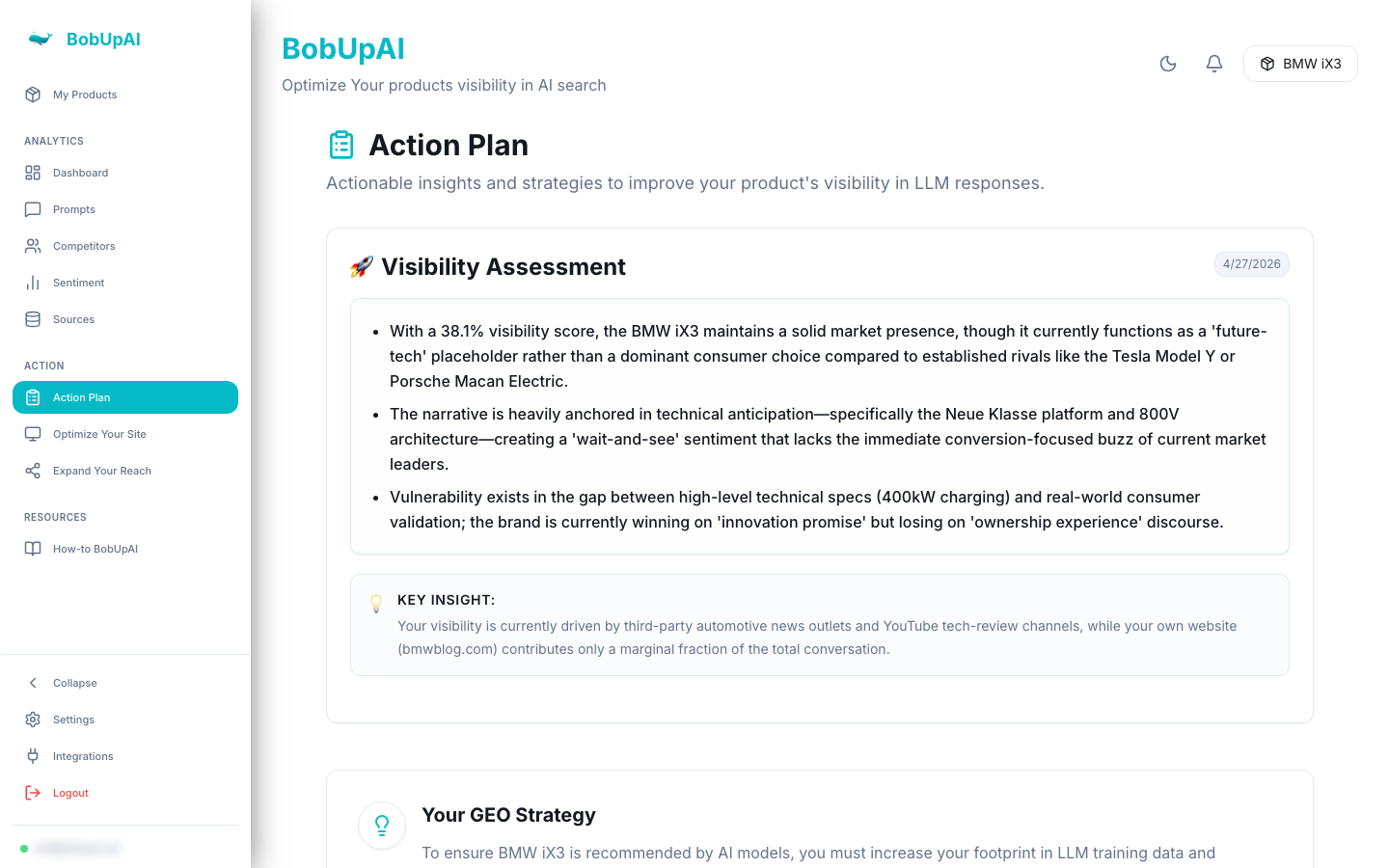
Based on the analysis results, BobUpAI can generate a personalized Action Plan. This plan provides actionable steps to improve your visibility, such as content updates, technical SEO fixes, or PR strategies.
Navigate to the "Action Plan" section to view and export your customized strategy.
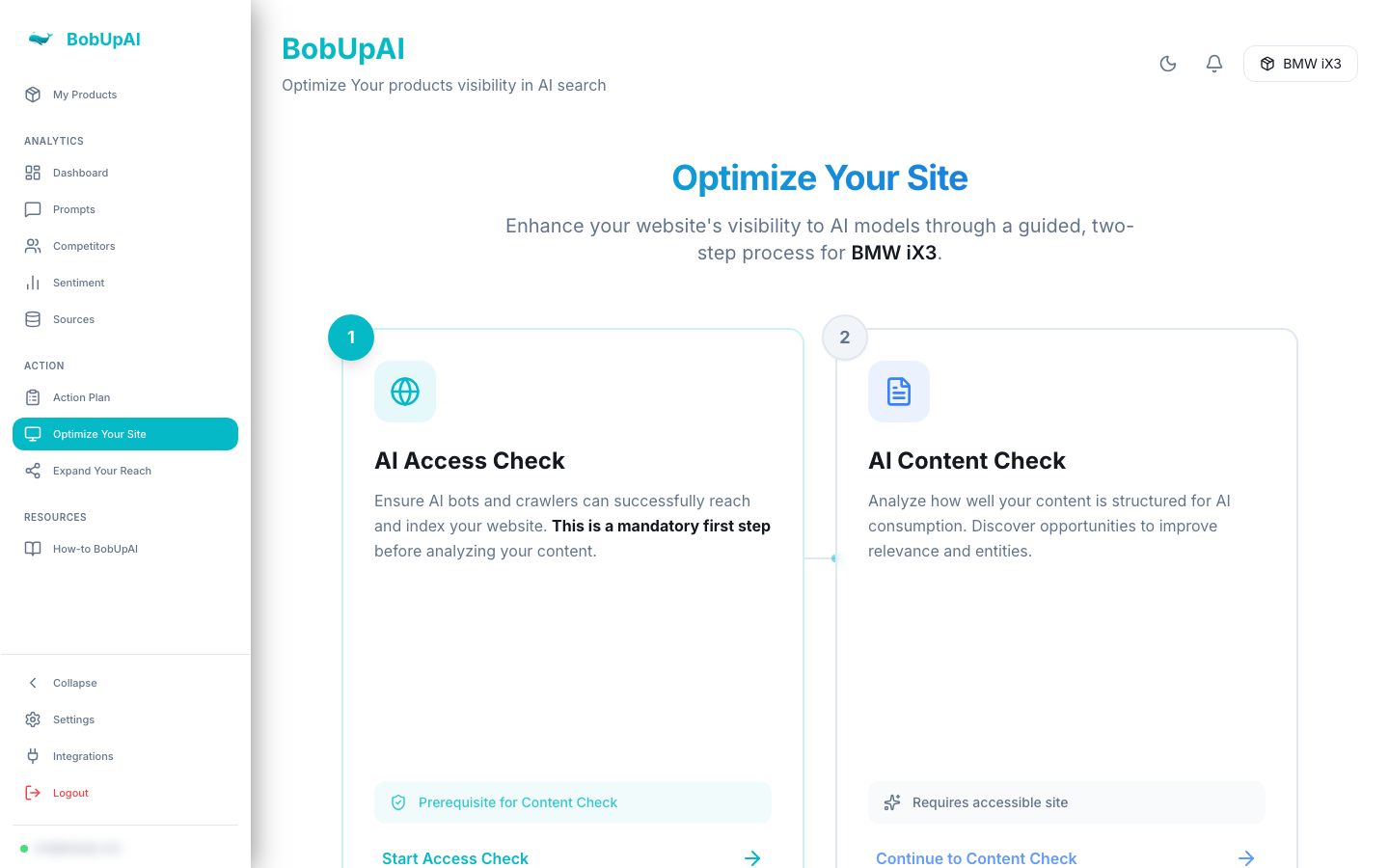
AI Access Check
AI Access Check: Ensure that AI bots can access and index your site content. We check your `robots.txt` and sitemap to spot any blockers.
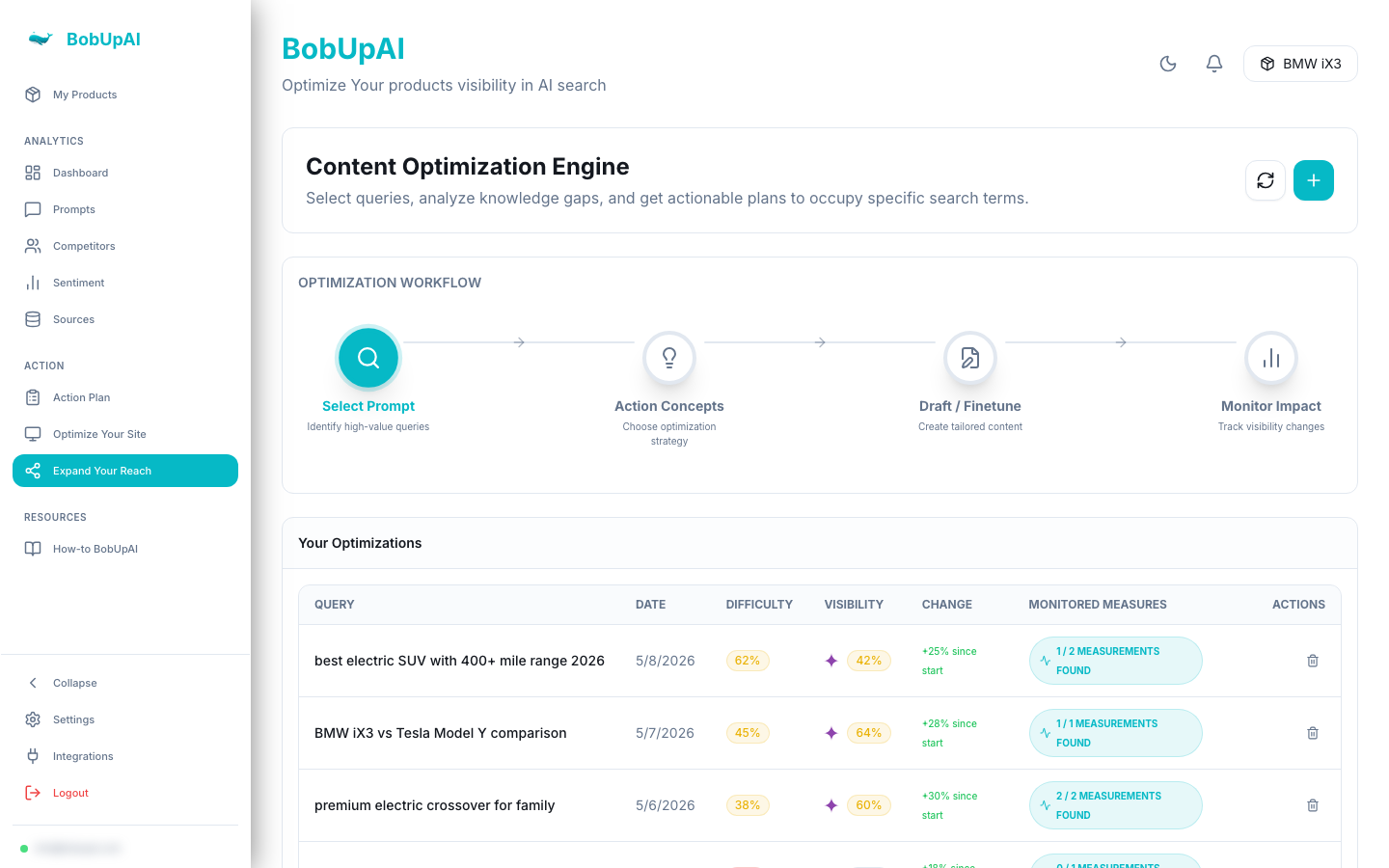
Content Optimization
Content Optimization: Identify which high-authority sources are citing your competitors but not you. Getting plotted on these sources can significantly boost your LLM visibility.
Best Practices
- Run analyses regularly (e.g., weekly) to track trends over time.
- Experiment with different prompts to see how your product appears in various contexts.
- Focus on "Problem Solving" intent queries, as these often lead to high-intent conversions.
- Use the "Competitors" tab to deep-dive into rival strategies.
Need more help?
Check out our FAQ page or contact support if you have specific questions about your account or analysis data.